
Getting started
Your first steps
with BullSwipe.
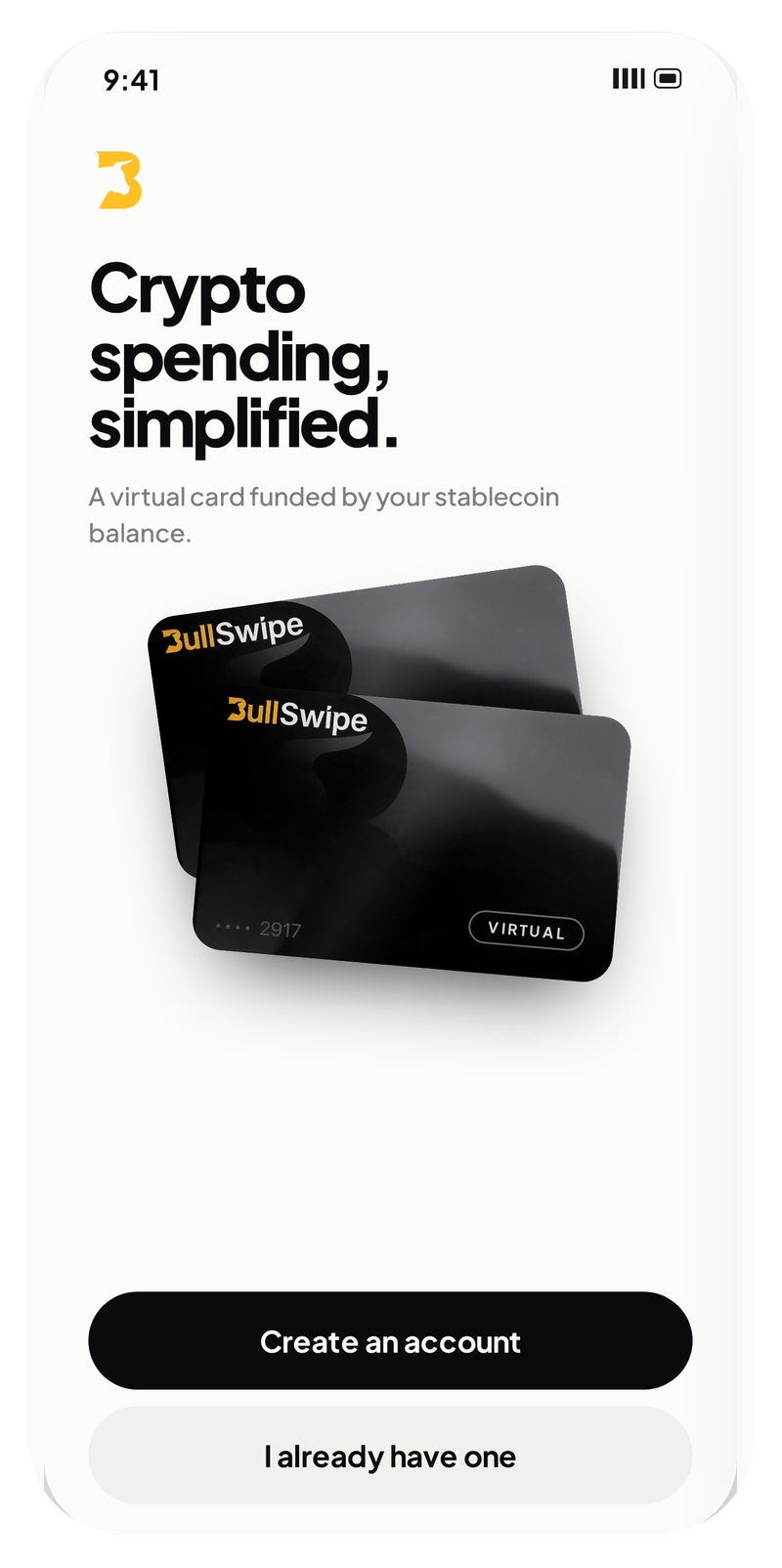
Understand availability, verification and how supported stablecoins become a USD balance for virtual-card spending.
Figures shown are examples.
 USDT
USDT USDC
USDCAvailability
Start with your country.
Onboarding availability, virtual-card eligibility and mobile-wallet support are separate checks.
- Onboarding
- Check the current restricted-jurisdictions list for where onboarding is not available.
- Your virtual card
- Use the country checker for card eligibility. An unlisted or unconfirmed country is not automatically eligible.
- Mobile wallets
- Apple Pay and Google Wallet availability varies by country. Check each wallet separately from BullSwipe virtual-card eligibility; an available wallet does not by itself mean the card is available.
Identity verification
A verified beginning.
Yes. BullSwipe requires identity verification. You must provide the information and documents requested to verify your identity; access may be refused or limited if verification is not completed.
BullSwipe may request your name, date of birth, nationality, identification details, proof of address, a selfie or photo, and information about your occupation or intended account use. Provide the information requested for your application; requirements can differ.
Supported funding
Two stablecoins. Clear choices.
Fund your BullSwipe account with supported stablecoins over supported blockchain networks.
USDTUSDC| Stablecoin | Networks |
|---|---|
| USDT | Tron (TRC20), Ethereum (ERC20), BNB Chain (BEP20) and Polygon |
| USDC | Ethereum (ERC20), BNB Chain (BEP20) and Polygon |
USDC on Tron is not supported. Use only the supported stablecoins and networks made available through the app. Review transaction details before confirming.
The USD balance
From stablecoins to spending.
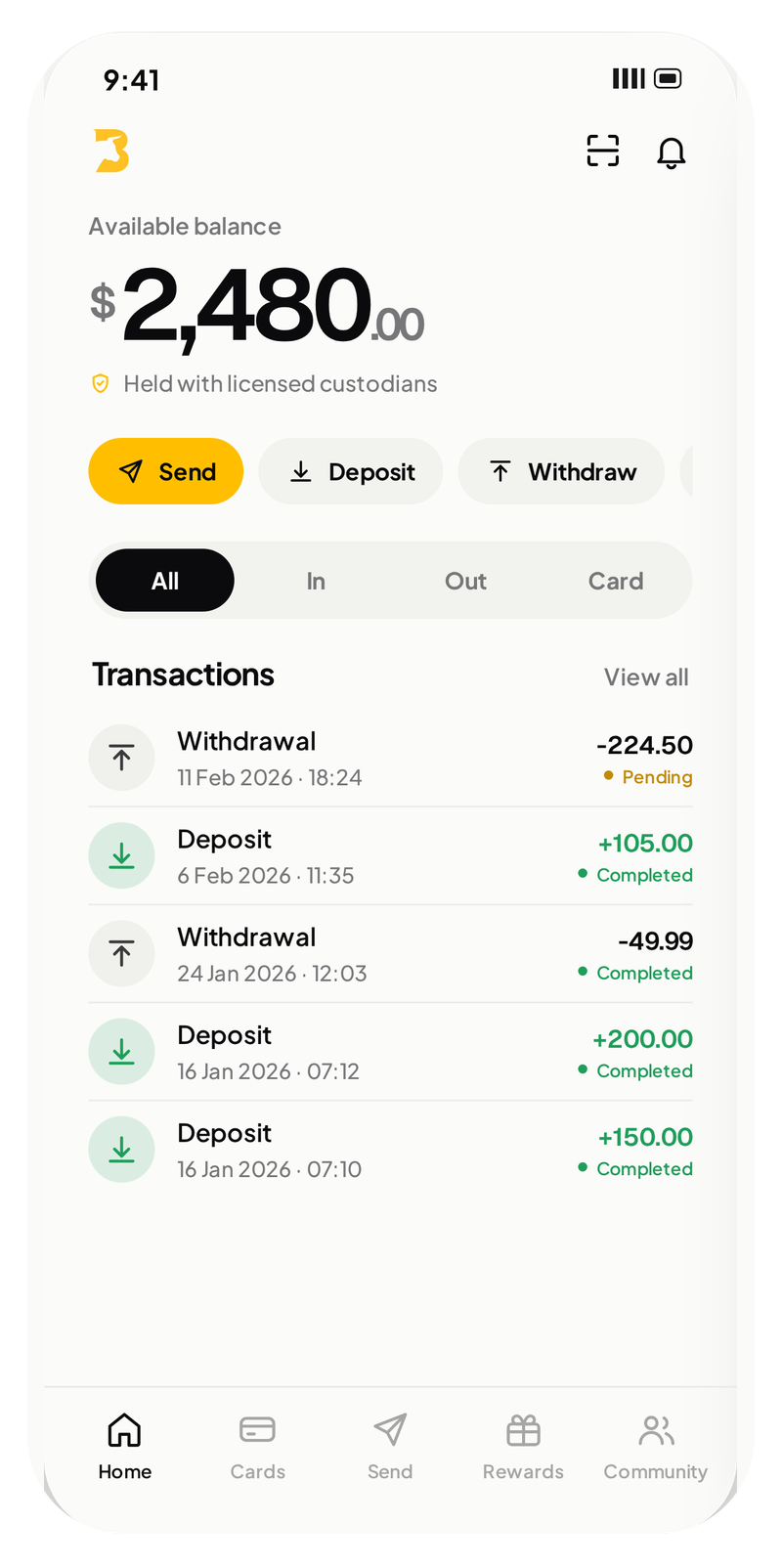
BullSwipe converts USDT or USDC into a USD-denominated balance. That balance is used for spending through the BullSwipe virtual card.
Product explanation
- 01USDT / USDCSupported stablecoins
- 02ConversionInto a USD balance
- 03USD balanceFor card spending
- 04Virtual cardAvailable in the app
Conversion describes how the spending balance works. Custody describes how funds are held: funds are held with licensed custodial partners.
Virtual-card spending
Your card. In the app.
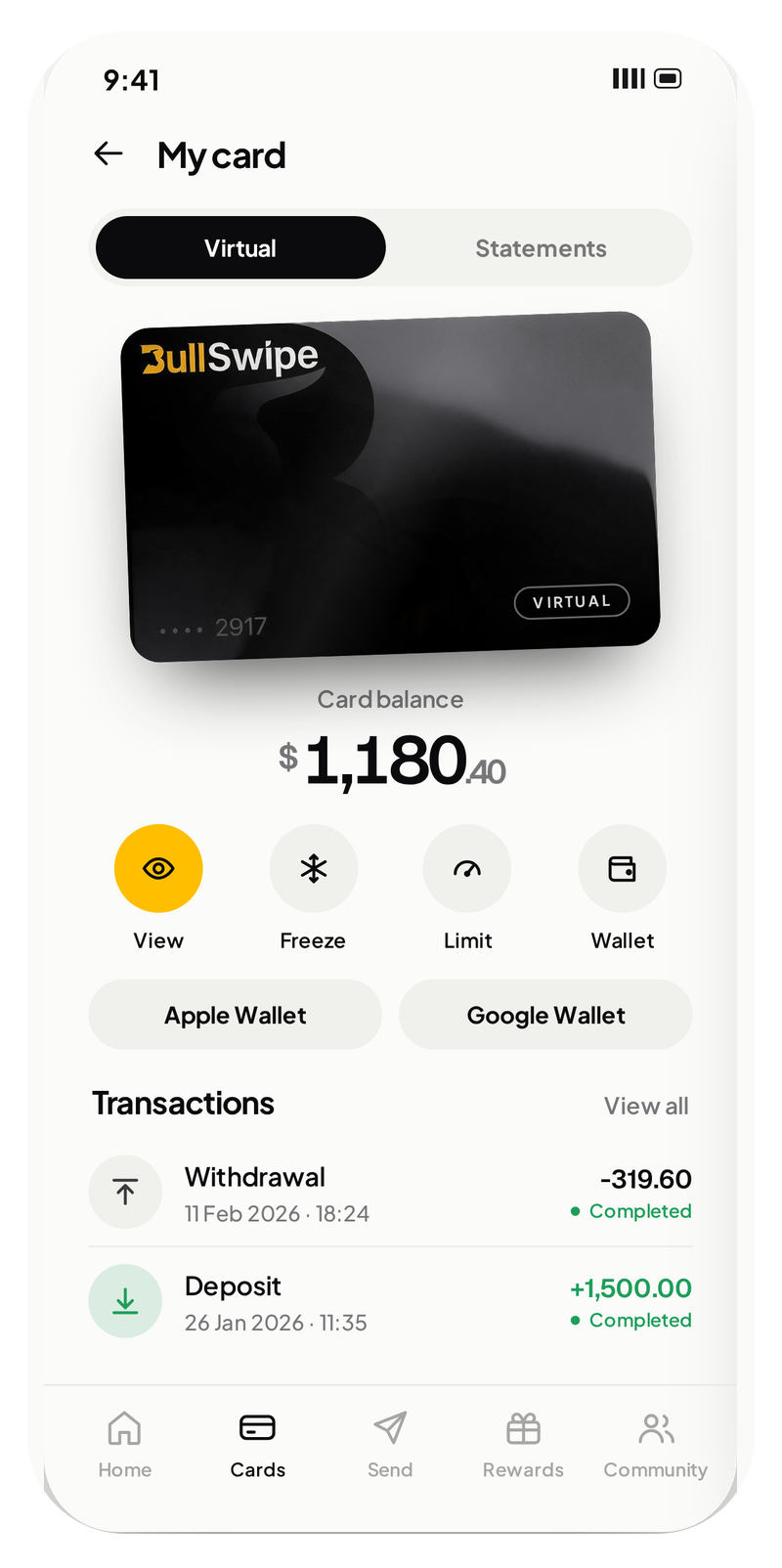
Card spending uses a USD-denominated balance after conversion from USDT or USDC. The supported stablecoins and the balance used for card spending are different stages of the BullSwipe flow.
The BullSwipe virtual card is available in the app. Availability varies by country, and card use remains subject to the applicable terms and restrictions.
Apple Pay and Google Wallet support must be checked separately from card eligibility.
Sending crypto to an external wallet is a separate withdrawal feature. It is different from spending your USD balance through the virtual card.
Figures shown are examples.
Your next step
Ready when you are.
Check availability, find the app or ask a question.