
Wallet & balances
Your stablecoins.
Your next move.
Convert USDT or USDC to a USD balance for spending through your BullSwipe virtual card. Send crypto to an external wallet through the app.
USDT & USDC. A USD spending balance.
Funds held with licensed custodial partners.
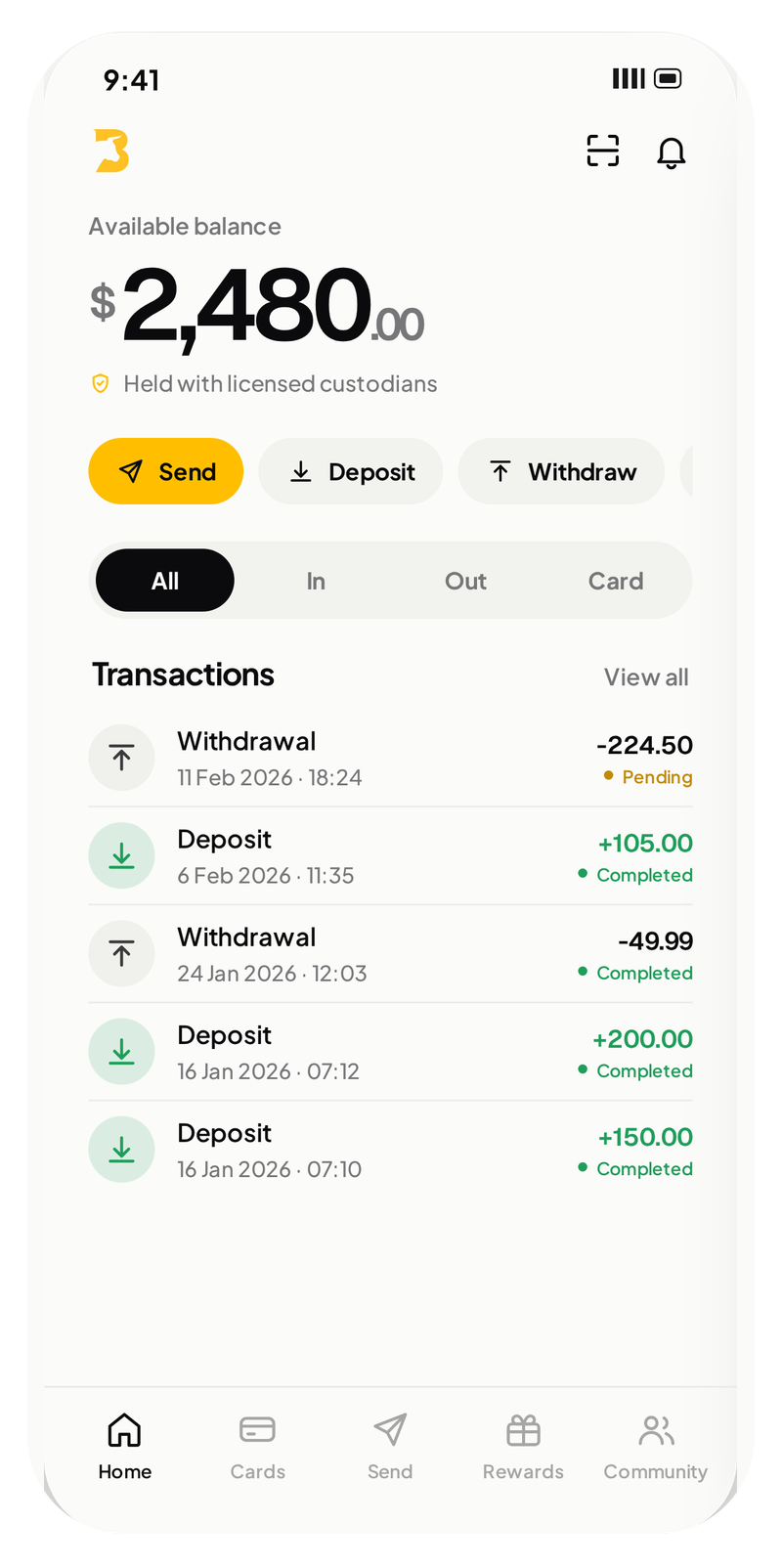
Illustrative app screens. Figures shown are examples.
Two stablecoins.
An everyday balance.
BullSwipe supports USDT and USDC. Convert them to a USD-denominated balance for spending through the BullSwipe virtual card.
Funding / USDT & USDC
Supported assets
& networks.
See which networks BullSwipe supports for USDT and USDC funding.
 USDT
USDT
Supported funding networks
- TRC20TronSupported
- ERC20EthereumSupported
- BEP20BNB ChainSupported
- PolygonSupported
 USDC
USDC
Supported funding networks
- ERC20EthereumSupported
- BEP20BNB ChainSupported
- PolygonSupported
USDC on Tron is not supported.
Use only the supported stablecoins and networks made available through the app. Review transaction details before confirming.
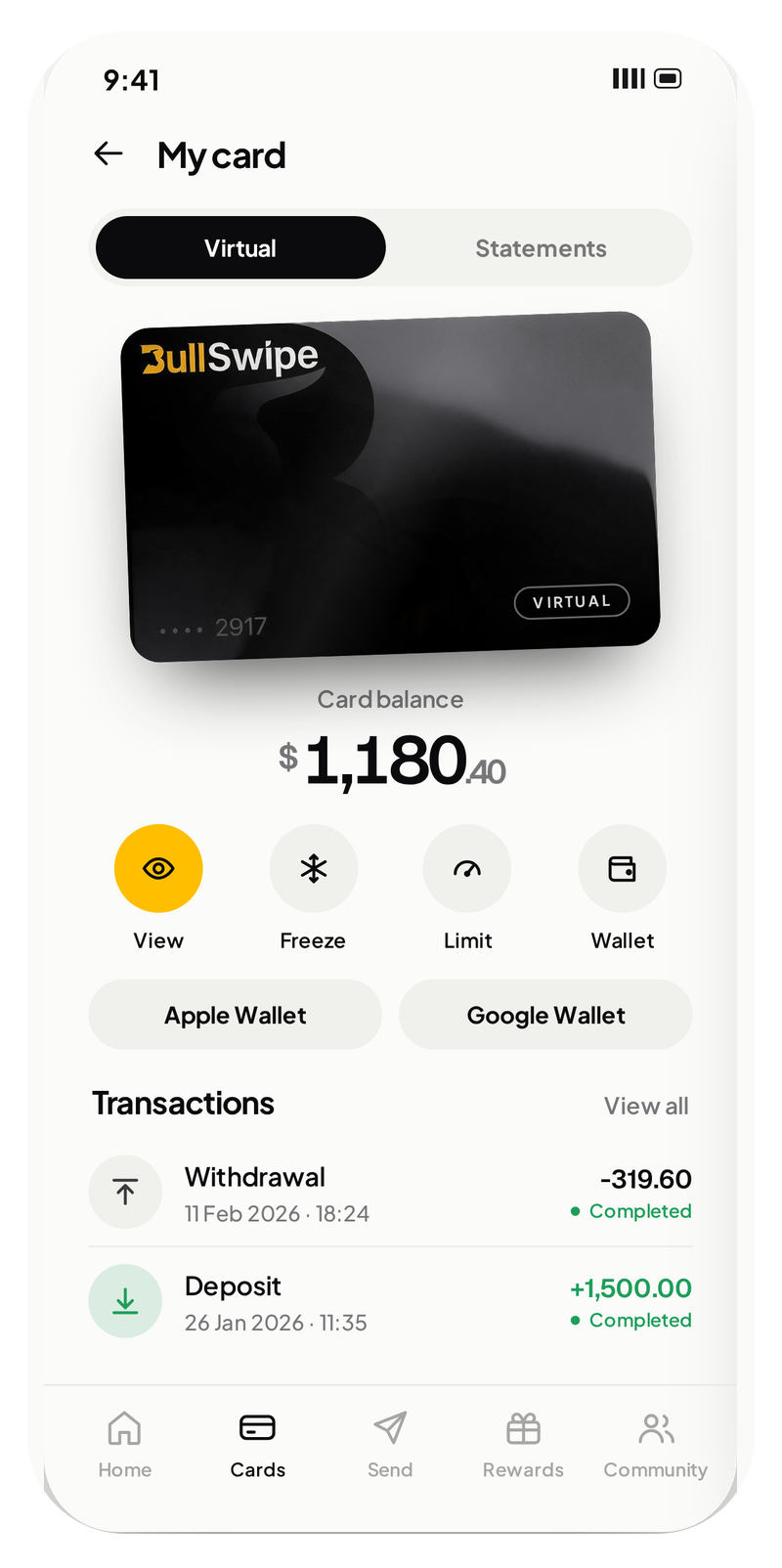
Illustrative app screens. Figures shown are examples.
How the spending balance works
- 01
USDT or USDC
The supported stablecoins at the start of your spending journey.
- 02
Convert to a USD balance
Your stablecoins become a USD-denominated spending balance.
- 03
Spend through your virtual card
Your BullSwipe virtual card uses the USD balance. Your virtual card is available in the app.
Another wallet.
Your next destination.
Send crypto from BullSwipe to an external wallet through the app’s withdrawal feature.
External-wallet withdrawals move crypto. Virtual-card spending uses your USD-denominated balance.
Read about crypto withdrawals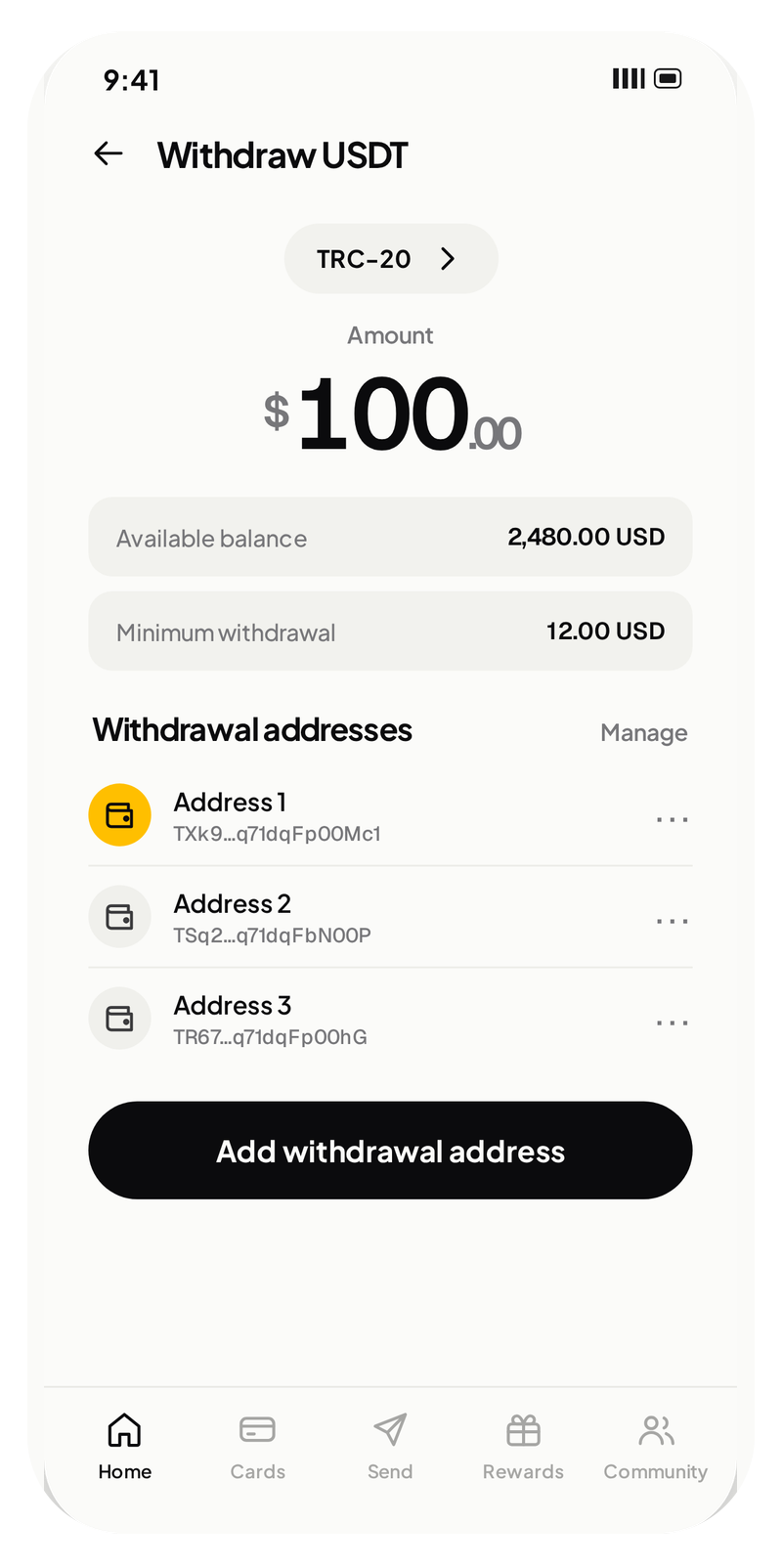
Illustrative app screens. Figures shown are examples.
CRYPTO → EXTERNAL WALLET- Custody
- Funds held with licensed custodial partners.
- Native token
- No native token required.
- Capital lockup
- No capital lockup required.
- ISO 27001
- PCI DSS
- SOC 2
- GDPR alignment
- AMLBot
- Fraudio
- Frontegg
01Which stablecoins does BullSwipe support?
BullSwipe supports USDT and USDC. These stablecoins can be converted to a USD balance for virtual-card spending.
See how spending works02How do stablecoins become a USD spending balance?
BullSwipe converts USDT or USDC into a USD-denominated balance. That balance is used for spending through the BullSwipe virtual card.
See how spending works03Does my virtual card spend stablecoins directly or use a USD balance?
Card spending uses a USD-denominated balance after conversion from USDT or USDC. The supported stablecoins and the balance used for card spending are different stages of the BullSwipe flow.
Explore the app04Can I send crypto to an external wallet?
Yes. BullSwipe supports sending crypto to an external wallet through the app’s withdrawal feature.
See your next move05Who holds my funds?
Funds are held with licensed custodial partners.
Read about custody06Do I need to verify my identity?
Yes. BullSwipe requires identity verification. You must provide the information and documents requested to verify your identity; access may be refused or limited if verification is not completed.
Read the terms07Do I need a native token or capital lockup?
No. BullSwipe does not require a native token or capital lockup.
Explore BullSwipe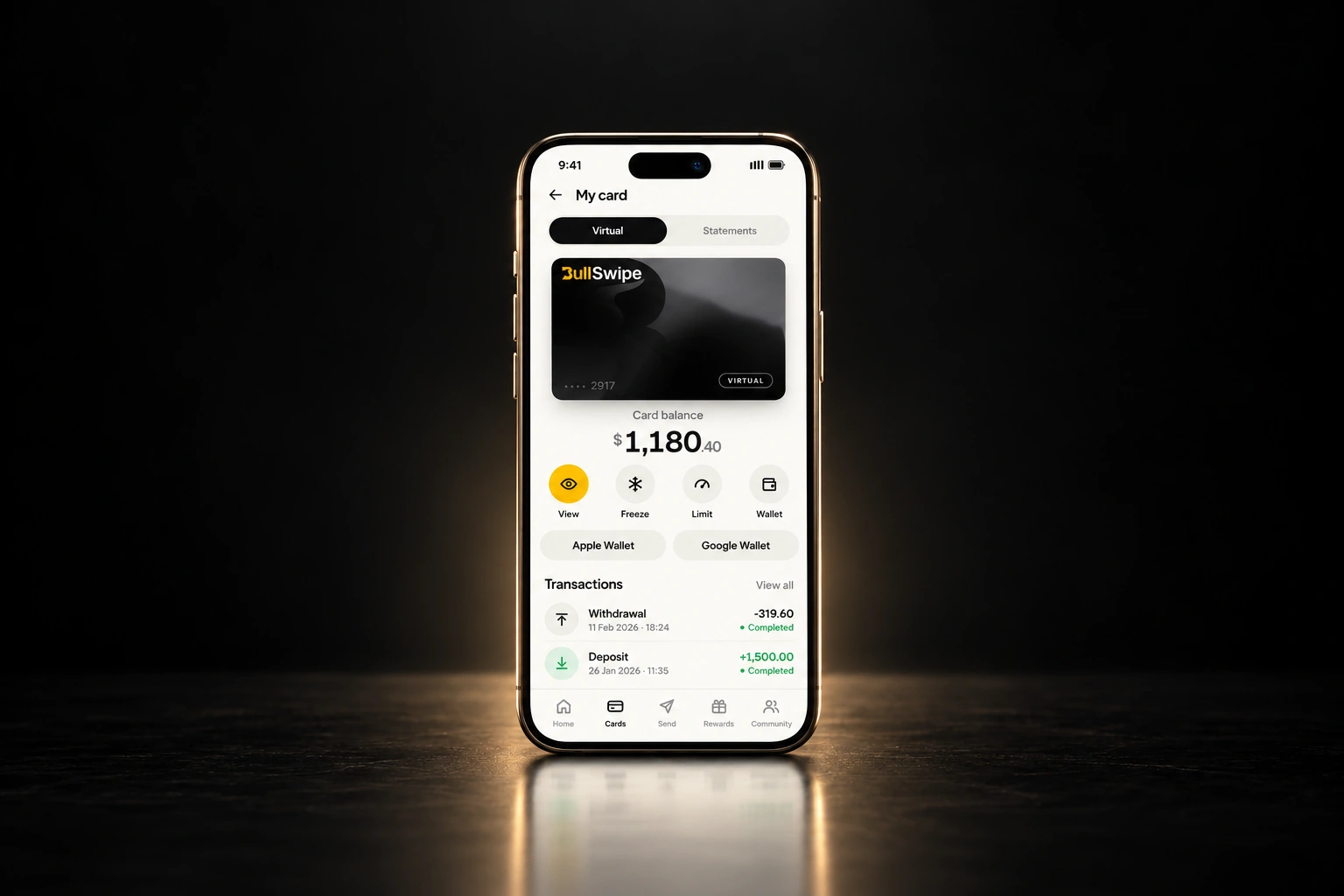
Your next move.
Starts here.
Your stablecoins. A USD balance.
One BullSwipe virtual card.