
The BullSwipe Virtual Crypto Card
Your virtual crypto card.
Built for everyday use.
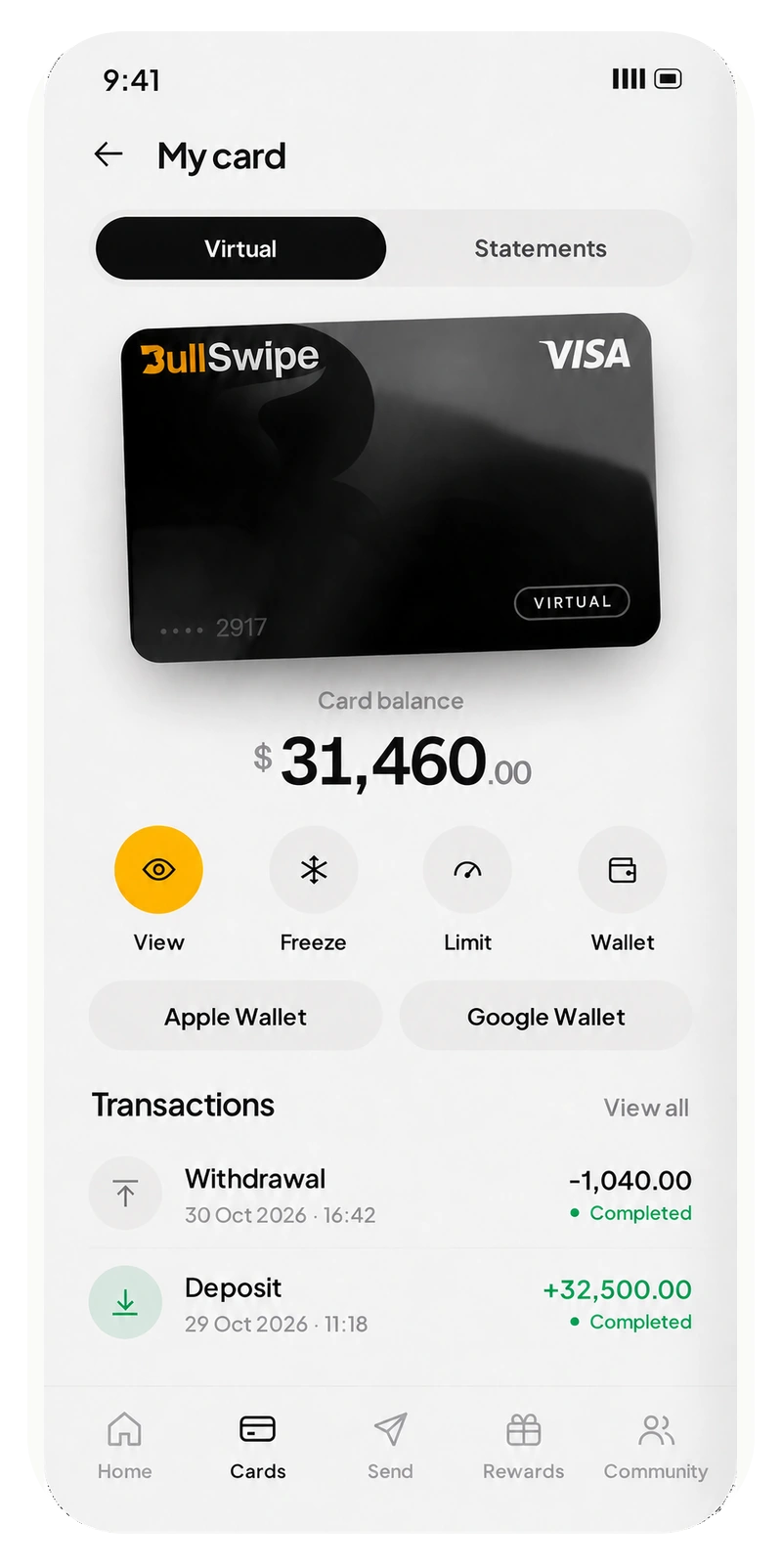
The BullSwipe Virtual Crypto Card is a virtual card in the app. Convert supported USDT or USDC to a USD spending balance for eligible purchases, and check card and mobile-wallet availability for your country.
Available in the BullSwipe app.
Availability varies by country.


Stablecoins in.
A balance for your day.
BullSwipe maintains the account that first receives your USDT or USDC and uses it to record and reconcile deposits. After a partner converts your deposit to US dollars, the funds go directly to the card programme provider. BullSwipe records that amount as your USD balance.


- 01
Fund with USDT or USDC
Open the deposit details in BullSwipe. Before you send, check that the asset, network and receiving address in your wallet or exchange match the details in the app.
Read the deposit guide - 02
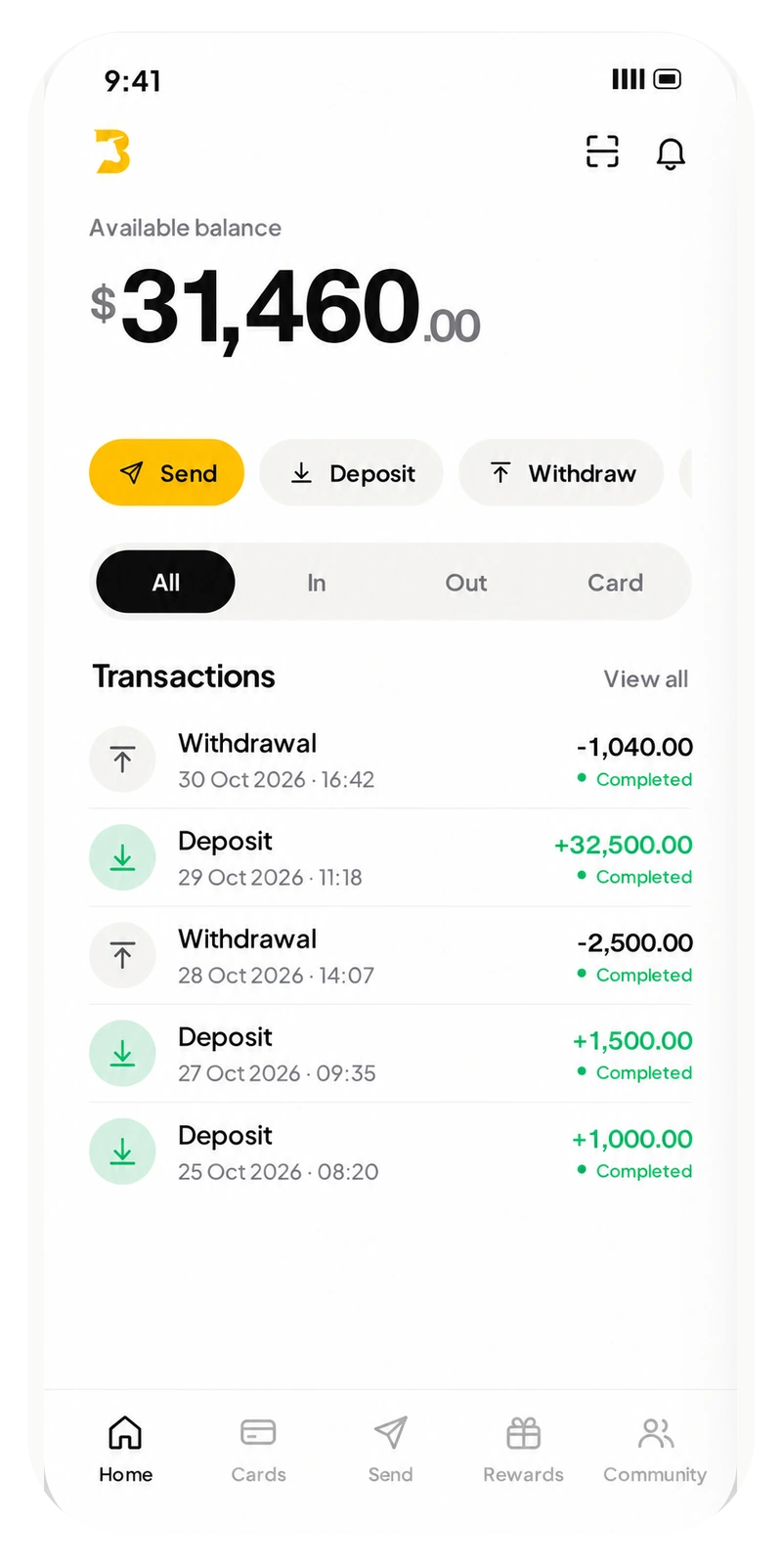
Check your USD balance
Open the Home screen in BullSwipe to see your available balance in US dollars. If your deposit is still pending, check its status in your transactions before spending.
- 03
Pay at an online checkout
At a supported checkout, choose card payment and enter your virtual card details. The merchant processes a card payment and does not need a crypto wallet address.
Your card.
In good company.
Check Apple Pay and Google Wallet support for your country.
Mobile-wallet availability is assessed separately from BullSwipe virtual-card eligibility. An available wallet does not by itself mean the card is available.
Check card & wallet availability Apple Pay
 Google Wallet
- Virtual card
- Available in the BullSwipe app.
- Funding and balance
- Fund with USDT or USDC on a supported network. Your spending balance is shown in US dollars.
- See supported assets and networks
- Card eligibility
- You need identity verification, account approval and an eligible country of residence.
- Check your country
- Access
- No native token. No capital lockup.
01What is the BullSwipe Virtual Visa Card?
The BullSwipe Virtual Visa Card is a virtual Visa card available in the BullSwipe app. Eligible users can convert supported USDT or USDC to a USD spending balance and use that balance for card purchases.
Understand the USD balance02Is the BullSwipe card a Visa card?
Yes. BullSwipe offers a virtual Visa card in the app. Account approval, country eligibility, merchant restrictions and applicable card terms still apply.
Check card availability03How does BullSwipe work?
BullSwipe offers a virtual crypto card in its app. Convert supported USDT or USDC to a USD spending balance for eligible card purchases, view your account activity and send crypto to an external wallet. Card eligibility, mobile-wallet support and access requirements vary.
Read the getting started guide04Is the BullSwipe card virtual or physical?
BullSwipe currently offers a virtual card in the app. A physical version is not available.
Early Access update05Which stablecoins does BullSwipe support?
BullSwipe supports USDT and USDC. These stablecoins can be converted to a USD balance for virtual-card spending.
See how spending works06Which networks can I use to fund BullSwipe?
Supported USDT funding networks are Tron (TRC20), Ethereum (ERC20), BNB Chain (BEP20) and Polygon. Supported USDC funding networks are Ethereum (ERC20), BNB Chain (BEP20) and Polygon. USDC on Tron is not supported. Match the asset and network to the deposit details shown in the app.
Read the funding steps07Who can apply for BullSwipe?
You must be at least 18 years old and able to enter into a legally binding agreement. Other eligibility and verification requirements also apply.
Read the eligibility terms08Do I need to verify my identity?
Yes. BullSwipe requires identity verification. You must provide the information and documents requested to verify your identity; access may be refused or limited if verification is not completed.
Read the terms09Is BullSwipe available in my country?
Check your country for the BullSwipe virtual Visa card’s status: Available, Restricted or Not confirmed. A country appearing in the directory does not by itself mean the card is available there.
Check your country10Can I use Apple Pay or Google Wallet?
Apple Pay and Google Wallet availability varies by country. Check each wallet separately from BullSwipe virtual Visa card eligibility; an available wallet does not by itself mean the card is available.
Explore wallet availability11How are card purchases different from crypto withdrawals?
Card purchases use your USD spending balance. Crypto withdrawals send a supported crypto asset to an external wallet over a supported network. A withdrawal is a separate action, not a card purchase.
Understand crypto withdrawals12Where can I find the BullSwipe virtual Visa card?
The BullSwipe virtual Visa card is available in the BullSwipe app.
Explore the virtual card13What happens after three consecutive declined card transactions?
After three consecutive declined transactions, your card freezes automatically and cannot be unfrozen. To keep making card payments, you must buy a new card in the app and pay the applicable card fee. You can see the fee in the app or in the published fee schedule. Your funds stay in your USD balance, and the freeze does not close your account.
Read the card freeze terms (clause 5.7)14Does the merchant need to accept USDT or USDC?
No. At a supported checkout, the merchant processes your virtual card payment. You do not send crypto to the merchant. Card terms and merchant restrictions apply.
Read the card terms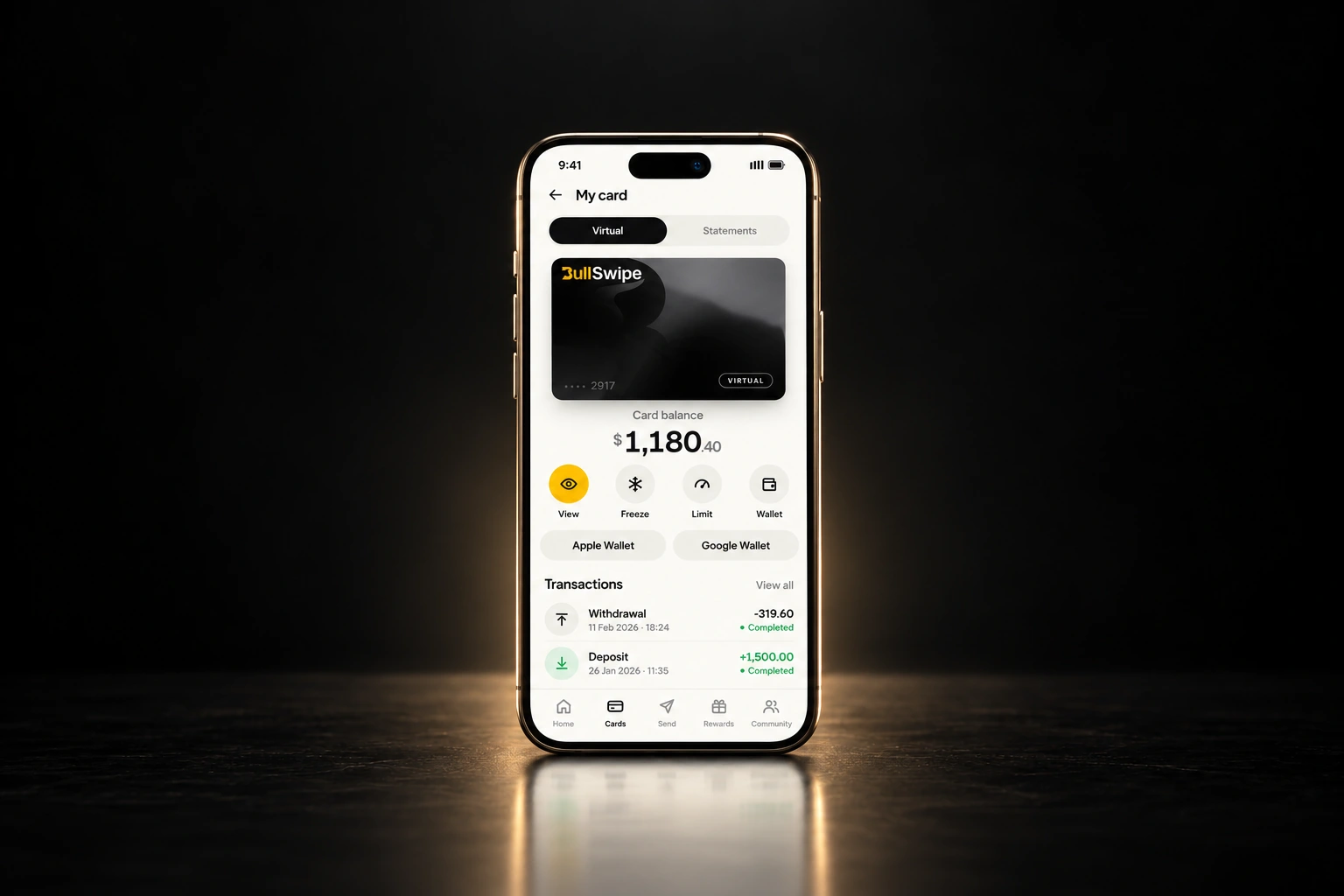
Your next move.
Starts here.
Explore the BullSwipe app, supported crypto and the features built around your USD spending balance.