
Identity verification, fraud checks and login security explained
Identity verification checks who is using an account. Fraud and transaction checks look at activity and risk. Login security protects access. Each addresses a different part of account security.
By BullSwipe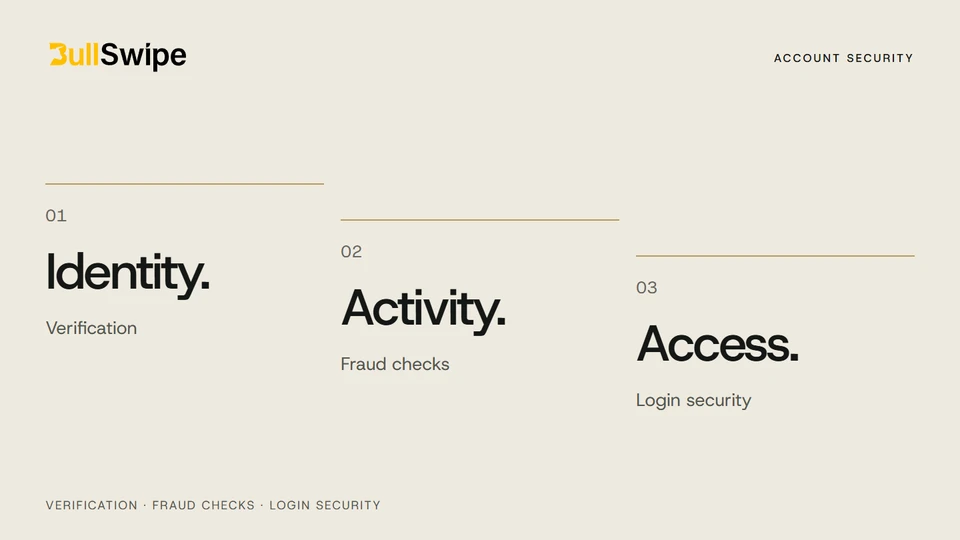
Three checks, three different jobs
An identity-document request, a transaction check and a login screen can all appear in the same app. They serve different purposes.
Identity: who is using the account? Activity: does a transaction need review? Access: who can sign in? Knowing the difference makes account requirements easier to understand.
Identity verification: confirming the account holder
BullSwipe requires identity verification. You must provide the information requested for your application; access may be refused or limited if verification is not completed.
The verification FAQ lists information BullSwipe may request: identity details, proof of address, a photo or selfie, and information about your occupation or intended account use. Requirements can differ, so follow the request for your own application.
If a request is unclear, ask support what information is needed. Completing a request does not guarantee an approval time or outcome.
Fraud and transaction checks: reviewing activity
These checks examine activity for signs of risk. Fraud prevention and anti-money-laundering screening address related concerns, but have different purposes.
BullSwipe has published an AMLBot integration announcement. That article explains transaction screening. For the broader anti-money-laundering context, see the FATF’s virtual-asset guidance.
Login security: keeping access private
Keep your password and authentication codes confidential. BullSwipe’s account terms require you to protect your credentials and report suspected unauthorized access.
Be careful with messages that pressure you to sign in, send a code or follow an unfamiliar link. Verify the contact through a channel you already know. The FTC’s phishing guide explains common warning signs.
What should you do if someone may have accessed your account?
Notify BullSwipe immediately at support@bullswipe.com. Describe what you noticed without sharing passwords or authentication codes.
For other questions, make the issue specific: an unclear verification request, a transaction concern or trouble accessing the account. The support page and FAQ library will help you find the next step.