
Received a prop firm payout in USDT or USDC? Your options for everyday spending
After receiving a prop firm payout in USDT or USDC, separate the receipt from your next decision: keeping the asset, moving it to another wallet or using a service that converts it for spending. Each route has its own requirements. Check permitted funding sources, supported networks and eligibility before choosing a spending service.
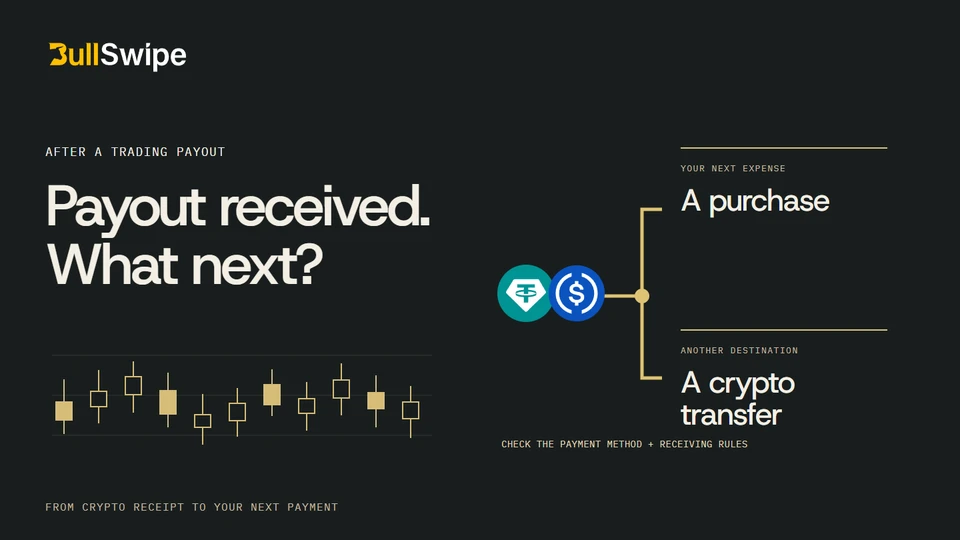
The reward has arrived. Your next goal may be to pay an ordinary expense rather than make another trade. Start with the expense you need to cover and work backwards to the payment method it accepts.
Confirm what has actually arrived
Check the receiving account or wallet for the asset, network and credited amount. Keep the payout statement and transaction reference with your records. A firm marking a request as approved is a different event from funds becoming available in a receiving account.
If those records do not agree, ask the relevant provider about the unresolved step before initiating another transfer. Avoid planning a purchase around a balance that is still pending.
Match the next action to the expense
There are different ways to use a received stablecoin balance. You might leave it where it is, transfer it to another permitted destination, or use an eligible service that supports conversion and spending. Consider the terms, costs, access and custody arrangements of the route you choose.
Start by asking how the recipient of your next payment accepts money. An online card checkout, a wallet transfer and a payment that requires bank details are different tasks. Having stablecoins does not make all three available through every app.
Understand BullSwipe's spending model
A partner converts supported USDT or USDC deposits to US dollars. BullSwipe records the amount as a USD balance for virtual-card spending. The merchant receives a card payment rather than needing to accept the stablecoin itself. The spending guide explains that distinction.
That product description does not establish that every prop firm payout is an accepted funding source, or that a firm can pay directly into a BullSwipe account. Confirm the intended source and payment route with BullSwipe support before sending funds. Follow the payout provider's recipient and ownership rules as well.
BullSwipe also supports crypto withdrawals to an external wallet. That is a separate operation from card spending and does not provide a bank-withdrawal route.
Check availability before moving money
Use the country checker to review virtual-card availability and mobile-wallet support separately. Account requirements and identity verification still apply. An app download, a supported token or an Available country result does not by itself confirm approval for your intended use.
Read the receiving service's current deposit instructions and match the asset, network and address. Check the information and charges presented for the transaction before confirming it. Do not select a network solely because another route is described as quicker.
Keep timing expectations tied to the actual stage
A completed payout does not guarantee that another service will credit a later transfer immediately. Dispatch, network confirmation and receiving-service checks are separate parts of the process. BullSwipe cannot accelerate a payout that the firm has not sent.
For an expense due soon, use a payment method you already know is available to you. Once your payout is credited and the intended route is confirmed, use the relevant spending or withdrawal guide for your next action.
For the card route, review the BullSwipe Virtual Crypto Card and deposit instructions. For an external-wallet transfer, review crypto withdrawals. If you do not yet have access, get the app and complete account approval; registration does not make funds ready to spend.