
Using a virtual card abroad: what to check before you travel
Before relying on BullSwipe for a trip, check your virtual-card eligibility and your chosen mobile wallet’s support. Your destination alone does not establish account eligibility or acceptance at every merchant.
By BullSwipe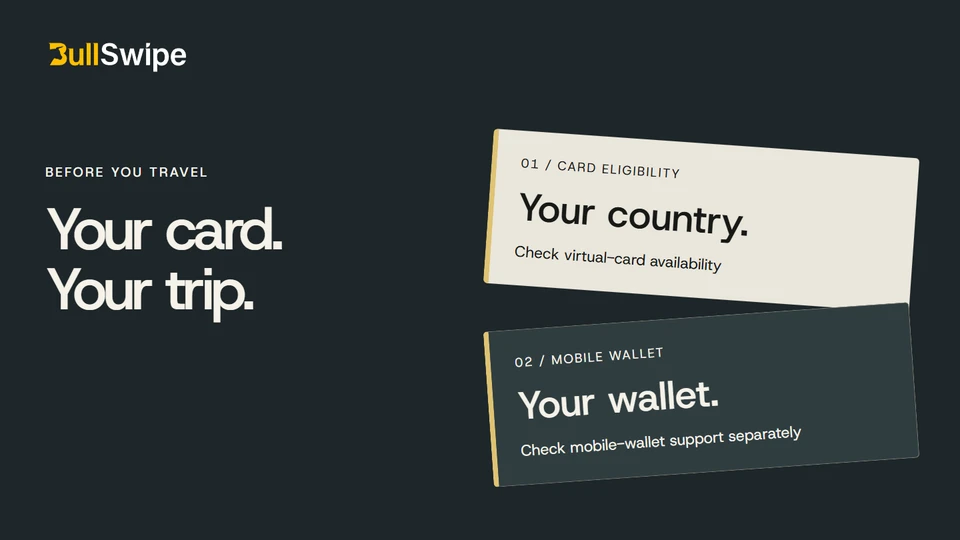
Check your payment plans before you pack
Flights booked. Accommodation sorted. Phone charged. Before you leave, give your payment setup the same attention.
For BullSwipe, start with two checks: whether you are eligible for the virtual card, and whether the mobile wallet you plan to use is supported. The country checker lists these separately.
1. Check your BullSwipe card eligibility
Look up the country relevant to your account circumstances in the country checker. Card status appears as Available, Restricted or Not confirmed.
Available means the published country information lists the virtual card as available. Restricted indicates a restriction. Not confirmed means availability has not been established in that information.
Identity verification and account requirements still apply. If you are unsure which country information applies to you, ask BullSwipe support before making plans around the card.
2. Check your mobile wallet
If you want to use Apple Pay or Google Wallet, check that service alongside card eligibility. A supported wallet does not automatically make a particular card eligible.
Apple publishes its supported countries and regions. Google provides a Google Wallet and tap-to-pay country guide. Check the provider’s device and payment-method requirements as well as BullSwipe’s country information.
3. Check the purchase you are planning
A trip to a supported destination does not change your account eligibility. Country availability also does not guarantee acceptance at every shop, hotel or online service.
Read the applicable card policies for restrictions relevant to your planned purchase. If you need clarification about a particular use, describe it to support before relying on the card.
4. Confirm the payment methods for essential expenses
For accommodation, ask about payment requirements at check-in as well as the booking itself. Confirm the accepted method for any deposit or later charge before relying on a virtual card.
Keep a backup payment method for a merchant that cannot accept your intended method, or a time when your phone or primary service is unavailable. A country-checker result cannot confirm the requirements of a particular purchase.
5. Prepare for an account-access problem
Check that you can reach your registered email and use the authentication methods required by your account. Keep recovery information private and save the official support contact.
If a phone is lost or you cannot sign in, follow the account-access guide. Do not share passwords or authentication codes with someone offering to restore access. Resolve uncertainties before departure where possible.
Your before-you-go checklist
Account: check the country status that applies to you and complete required verification.
Wallet: check your chosen mobile wallet, device and payment-method requirements.
Spending: understand the USD balance your virtual card uses and read the relevant card restrictions.
If one of those checks leaves you uncertain, send your question to support@bullswipe.com. It is easier to resolve it before your trip than at the checkout.